My 2026 design stack looks very different from the toolkit I relied on when I first started working in the creative industry. I still have access to professional software, powerful hardware, and more creative resources than I probably need, but the tools I use every single day are surprisingly simple.
Canva. ChatGPT. Google Sheets.
Yes, I know.
There was a time when I relied heavily on Adobe Illustrator and secretly saw Canva users as design noobs. If you were not working with layers, paths, anchor points, and artboards, were you even designing?
Then I actually started using Canva.
It changed my life.
What’s in My 2026 Design Stack?
I have been working in the creative industry for years, so my toolkit has naturally grown depending on the projects and clients I handle.
My Adobe Creative Suite includes Photoshop, InDesign, Illustrator, Premiere Pro, After Effects, and Audition. For faster marketing and social media design, I use Canva. I also use AI tools including ChatGPT, Gemini, and Claude.
For creative assets, I regularly browse Vecteezy, iStock, Envato, and Pexels. Adobe Fonts and DaFont are part of my typography resources, while Google Drive and iCloud keep most of my client files accessible across projects.
Google Sheets and Google Docs play a surprisingly important role in my creative process. PowerPoint is still in my toolkit for presentations, and GoFullPage is one of those simple browser tools that becomes incredibly useful when I need to capture an entire webpage.
The funny thing is that having all these tools does not mean I use all of them every day.
Most days, I am jumping between Canva, ChatGPT, and Google Sheets.
How Canva Completely Changed My Design Workflow
I used to rely so much on Adobe Illustrator.
Illustrator was the professional tool. Canva felt like something people used when they did not know how to design. That was my perception of it, and I will admit that I was completely wrong.
Once I started seriously using Canva for marketing projects, I understood why so many marketing professionals use it.
It is fast. It is user-friendly. More importantly, you can create professional and creative designs without spending unnecessary time setting up a file or performing repetitive tasks.
Speed matters when you are creating content for multiple clients.
When I am producing static social posts, carousels, and short-form content every week, I cannot treat every Instagram graphic like I am designing a national print campaign from scratch. The design still needs to look good. It still needs to follow the brand. It still needs creative thought.
I just need to get there faster.
Canva allows me to do that.
I still use Photoshop, Illustrator, InDesign, Premiere Pro, After Effects, and Audition when a project requires them. I have not abandoned professional creative software.
I have simply stopped believing that complicated software automatically produces better creative work.
My Design Workflow Depends on the Client
I wish I could give you a perfectly organized seven-step creative workflow that I follow for every project.
I can’t.
My workflow depends heavily on the client’s goals, team structure, and how involved they want to be in the content creation process.
For one client, I have sat through three-hour meetings where the team collectively develops everything. We talk about content ideas, blog topics, social media captions, and even the exact text that will appear inside a social media graphic.
Everyone contributes.
For another client, I am given the features of a service and a few marketing phrases commonly used by the brand. From there, I am expected to decide what content we should create.
That means brainstorming the topics, planning the social content, writing the copy, and turning those ideas into actual designs.
Both approaches require completely different creative processes.
One thing that stays consistent across my clients is the review process. Clients are usually given a day to review the social media posts I have created. Once everything is approved, the content moves to publishing.
Depending on the client, I may also schedule the posts myself using Metricool, Meta Business Suite, or Strapi.
The actual design is only one part of the work.
Where AI Fits Into My Creative Process
ChatGPT is probably the AI tool I use the most.
I would say around 80% of my AI usage involves writing and social media strategy. I use it to help develop captions, suggest which posts might be worth publishing, brainstorm content directions, and think through social media strategies. At the same time, I still spend a lot of time on social media itself, almost like doomscrolling, because it helps me stay updated with current trends and understand what is actually working in real time.
I also have access to tools like Gemini and Claude, but ChatGPT remains part of my daily workflow.
There is one thing I personally avoid, though.
I do not rely on AI tools to create the actual graphics or images for my social media content.
That is intentional.
I still want creative ownership over the content I produce. I want to make the visual decisions. I want to decide how the composition looks, which image works, how the typography is treated, and how the design follows the brand.
AI can help me think.
I still want to create.
Creating Social Media Content for Phenix Salon Suites
One of the best examples of my current design workflow is my work for Phenix Salon Suites through Mapless Marketing.
My focus is solely on Phenix Salon Suites, where I create social media content for eight locations across the United States.
Each location receives three social media posts per week: one static post, one Reel, and one carousel. The content is designed to promote each location to salon professionals.
For this project, my main tools are Canva, Vecteezy, Pexels, ChatGPT, and Google Sheets.
Google Sheets helps organize the content. ChatGPT helps during the brainstorming and writing process. Vecteezy and Pexels give me additional creative resources when appropriate. Canva is where much of the visual content comes together.
The biggest challenge is making every social post feel unique.
When you are promoting multiple locations offering a similar service to a similar audience, repeating ideas is incredibly easy. I constantly have to think about different angles, visual approaches, and content formats.
I also work with a limited number of images for each location.
And the visual details matter.
The client pays close attention to how a location is represented. The lobby in a photo matters. The flooring visible in an image matters. The overall environment needs to make sense for the specific location being promoted.
I cannot simply grab a beautiful salon photo and assume it works. I also cannot just use any image of a salon professional doing something. It has to reflect the correct method, like properly doing someone’s eyelashes. I cannot use a very sterile image either, because it might look like it came straight out of a TV commercial or a billboard ad. It has to feel natural.
That limitation forces me to be more resourceful with the assets I already have. Sometimes, the challenge is not finding more content. It is finding a completely different way to use the same resources.
The Creative Setup I Use in 2026
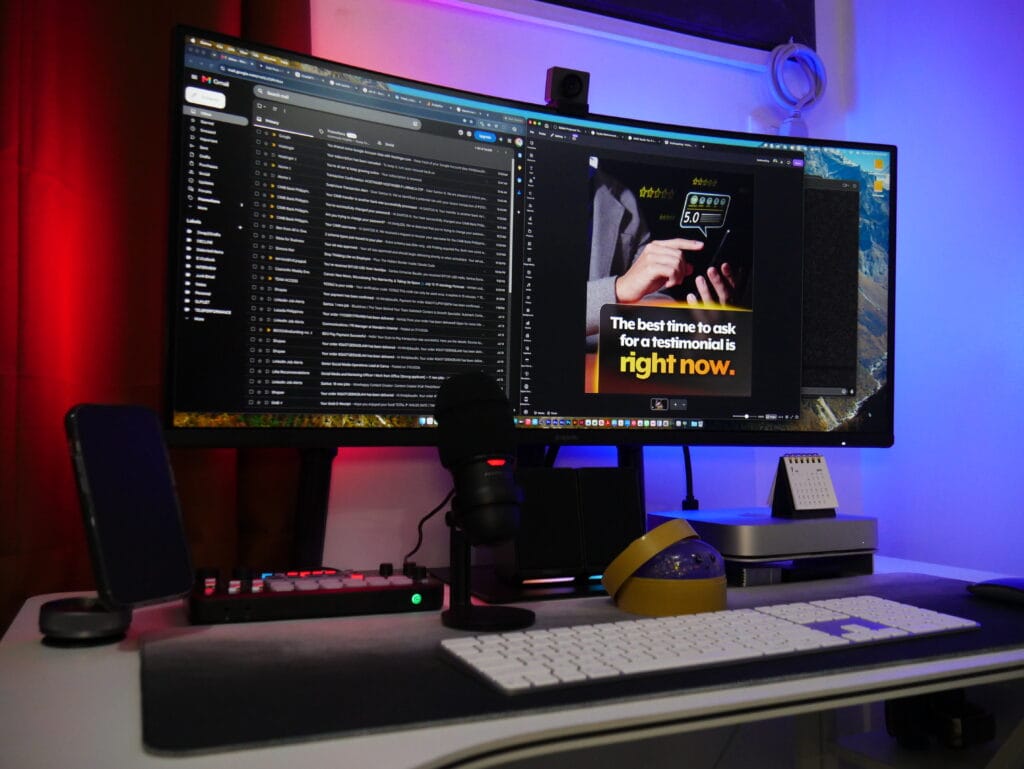
My current workspace is built around a Mac mini M2 with 256GB of internal storage.
Since 256GB is not exactly generous when you work with creative files, I also use a 1TB external SSD. My main display is a Xiaomi G34WQi curved gaming monitor, which gives me plenty of screen space when I am working across Canva, Google Sheets, browser tabs, and client resources.

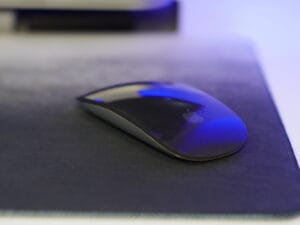
I use a Magic Mouse and a Magic Keyboard with Touch ID for my everyday setup. I know the mouse is not the most ergonomic choice, but it is a game-changer. I mean, can your mouse scroll sideways?

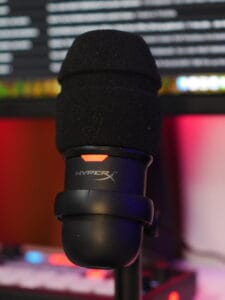
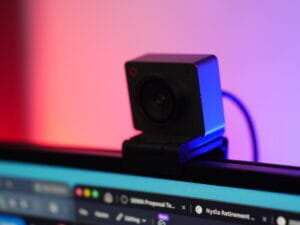
For calls and content-related work, I have an OBSBOT Meet 2, a HyperX condenser microphone, and a Ulanzi audio mixer.
Of course, working remotely also means I do not always work from my main setup.
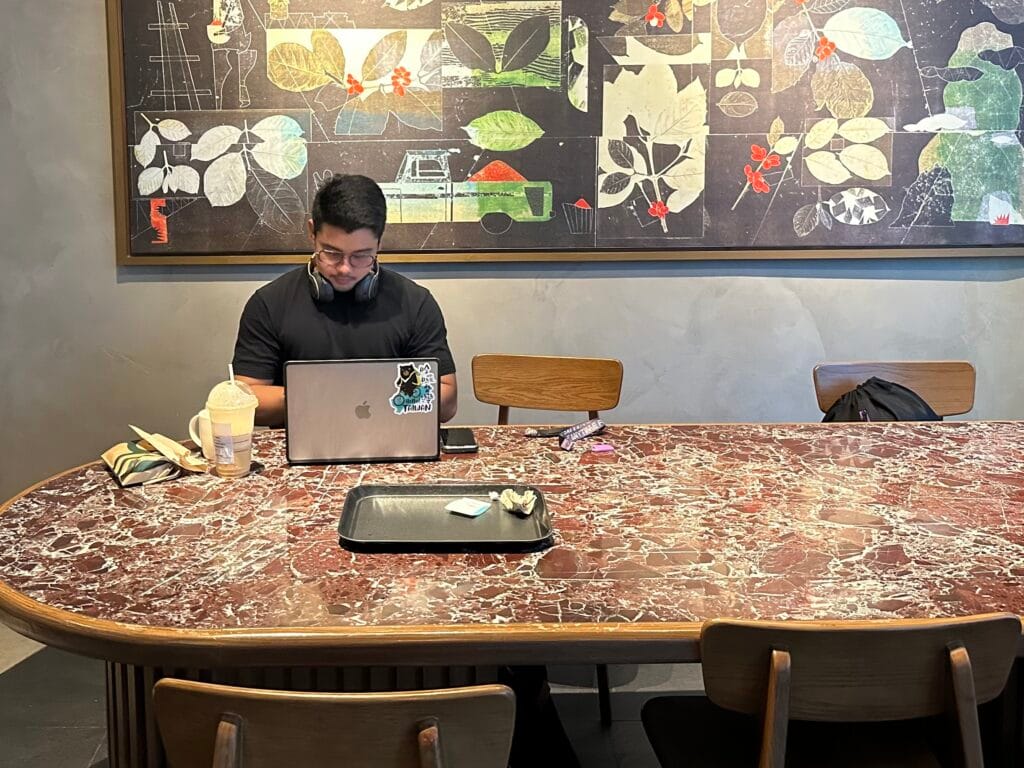
Of course, working remotely also means I do not always work from my main setup.
When I am working outside, I use a MacBook Air M1 with 256GB of storage and a 500GB external SSD. Funny enough, I did not actually buy the MacBook. I won it from a GCash promo back in 2022.
I genuinely thought it was a prank at first.
Then I saw my name posted on GCash’s official Facebook page.
That was the moment I realized, wait, I actually won a MacBook.
Years later, I still use it as my portable work setup when I am working from coffee shops, traveling, or whenever I just need to get out of my usual workspace. Most of my day-to-day tools are browser-based or cloud-based anyway, so moving from my Mac mini to my MacBook Air is fairly easy. Canva, ChatGPT, Google Sheets, Google Drive, and iCloud allow me to continue working without completely changing my workflow.
It is a setup that works for the kind of work I currently do, whether I am at my desk or working somewhere else.
Could I buy more creative equipment?
Absolutely.
Do I need to?
Probably not.
A Design Tool I Stopped Using
One tool I have stopped using is Ripl.
I found the platform unnecessarily complicated for my workflow. I could not post carousels; I had issues with 9:16 Instagram Reels, and exporting videos took more time than I expected.
The video export process was especially frustrating.
It records the video you uploaded.
What?
When you work with multiple clients and recurring social media deadlines, small workflow frustrations become big problems. A tool might have plenty of features, but if it slows down the process I actually use every week, I will eventually stop using it.
That is exactly what happened with Ripl. I can’t believe I survived a year using that tool!
The Best Design Tools Are the Ones That Help You Create
My 2026 design stack is not built around using the most complicated software available.
I have Adobe Creative Suite. I know how to use professional creative software. I have worked with Photoshop, Illustrator, InDesign, Premiere Pro, After Effects, and Audition.
And yet, Canva is one of my most-used design tools.
That would probably surprise an earlier version of me.
Experience has changed how I look at creative tools. I care less about whether software is considered professional and more about whether it helps me produce strong creative work efficiently.
Because a good designer does not need professional tools.
They need creativity and resourcefulness.
The software is just part of the toolkit. What you do with it is still up to you.
You can see more of my creative work and the projects behind my design process on my graphic design portfolio.